Bill Tracker Without Bank Linking: Track Bills and Income Privately
Most budgeting apps open with the same demand: connect your bank account. For a lot of people that's a dealbreaker—and it should be a considered choice, not the price of admission. The good news: for tracking bills and income, bank sync isn't actually necessary.
Why apps want your bank login
Bank-synced apps read your transaction feed through an aggregator (a third-party service that logs into your bank on your behalf). That's convenient for categorizing card spending, but it means a company you've never heard of holds a live connection to your accounts, and your transaction history lives on their servers. If any link in that chain is breached or sold, your financial life goes with it.
What bank sync can't do anyway
Here's the part the sign-up screens skip: a transaction feed only shows money that already moved. It can't see a paper bill that arrived yesterday, a due date three weeks out, or a bill you haven't paid yet—which is precisely what bill tracking is about. For "what's due and when," you need the bills themselves, not the bank feed.
What to look for in a private bill tracker
- No account or bank credentials required. You should be able to use it the minute it installs.
- Local-first storage. Your data should live on your phone by default, not on someone's server.
- Fast manual entry. Manual-first only works if capture is nearly effortless—photo scanning beats typing.
- Encrypted backup, if any. If the app offers cloud backup, it should be encrypted before upload, with a key only you hold.
- Income tracking too. Private shouldn't mean half a picture—you still want money-in next to money-out.
The trade-off, honestly
Manual-first means you add things yourself. With photo capture that's seconds per bill, and a few seconds per income entry—but it is a habit. In exchange, nothing about your finances leaves your device, and the app knows only what you chose to tell it.
How BillSnap stays private
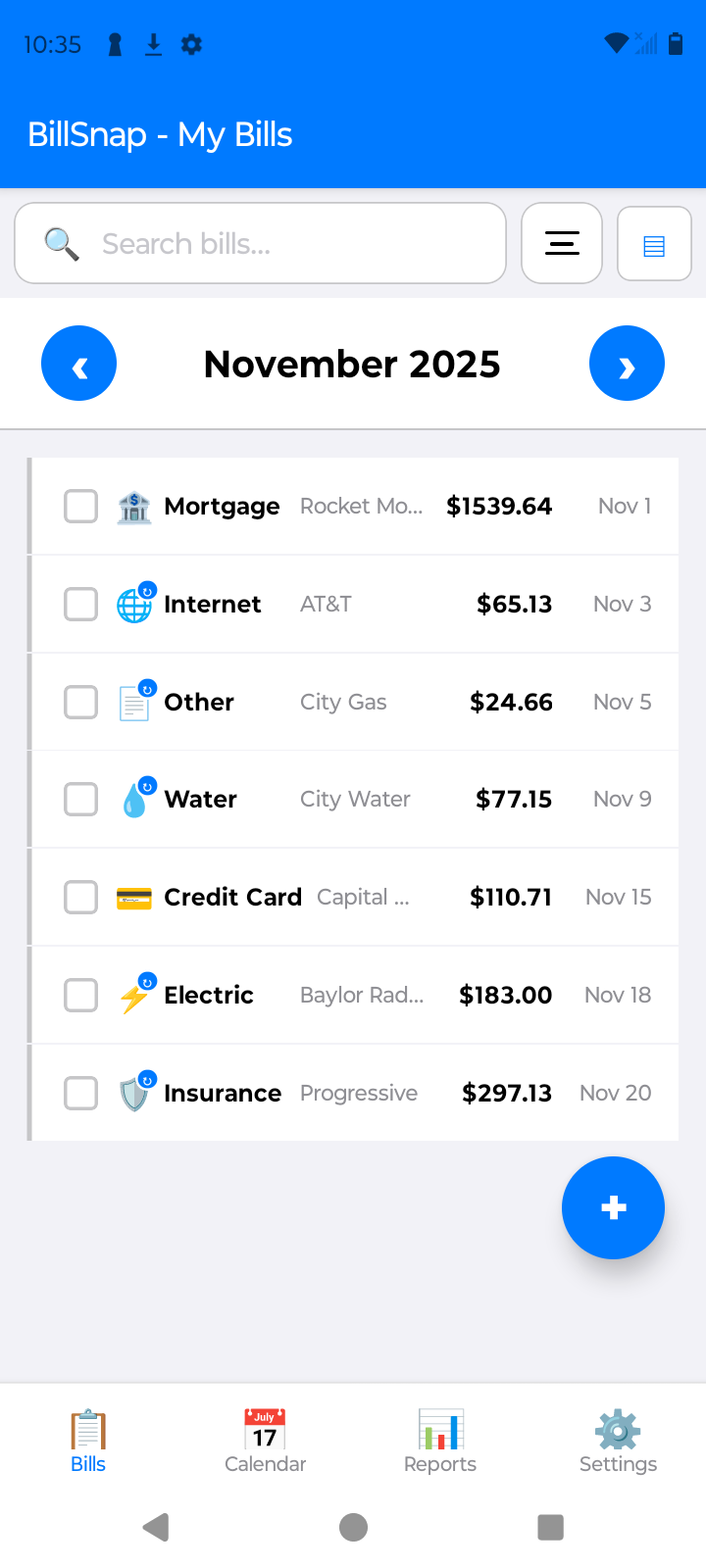
BillSnap never asks for a bank login—there's nothing to link. Snap a photo of a bill and the scanning happens on your phone, not a server. Bills, income entries, and photos are stored locally by default; the optional Premium cloud backup is encrypted with your passphrase before it leaves the device. No ads or cross-app tracking. Optional product analytics can be disabled in Settings. Free for up to 8 bills and 8 income entries per month.