How to Know How Much Money Is Left After Bills
"Can I afford this?" is impossible to answer from a bank balance, because a balance doesn't know what's still due. The number you actually need is income minus bills for the month—what's genuinely yours to spend or save. Here's how to get it.
Step 1: Convert your income to a monthly figure
If you're paid monthly, you're done. Otherwise:
- Weekly pay: multiply by 52, divide by 12.
- Biweekly pay: multiply by 26, divide by 12.
- Irregular income: total the last three months and divide by three—then treat the result with caution (see tracking bills on an irregular income).
Count every source: paycheck, side jobs, freelance payments, rental income. Small streams add up, and forgetting them makes your number pessimistic enough that you'll stop trusting it.
Step 2: Total your bills for the month
Add up everything with a due date: rent or mortgage, utilities, insurance, phone, subscriptions, minimum debt payments. Don't average annual bills away—if the car insurance hits in full this month, this month's number should show it. That's why a per-month view beats a yearly average: it catches the expensive months before they catch you.
Step 3: Subtract, then protect the result
Income minus bills is your discretionary number for the month. Two rules make it trustworthy:
- Update it when things change. A new subscription or a raise changes the number—stale numbers are worse than none.
- Keep a small buffer. Treat 5–10% of it as untouchable, because some bill always runs higher than expected.
Why most people never see this number
Because it lives in two places: bills are in a drawer or an inbox, and income is in a banking app. Unless something puts them side by side every month, you're doing this math on a napkin—and napkin math doesn't get updated when a bill changes.
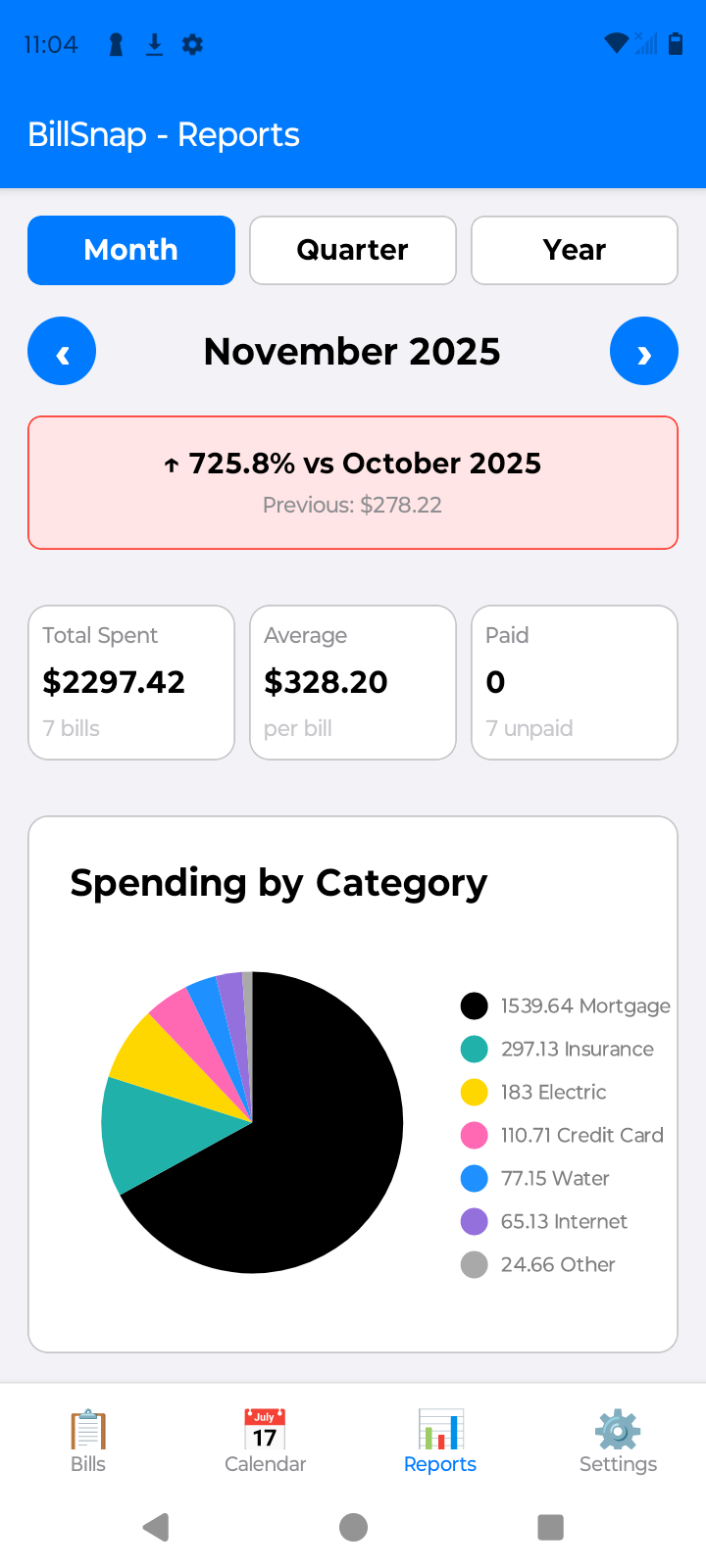
How BillSnap shows it automatically
BillSnap keeps bills and income in the same app, so the subtraction does itself. Snap your bills, log your income (recurring paychecks can fill themselves in), and the home screen shows your total income, total bills, and Remaining After Bills for the month—updated every time anything changes. Free for up to 8 bills and 8 income entries per month.