Disclosure: This comparison is published by BillSnap. TimelyBills is not affiliated with or endorsing BillSnap.
BillSnap vs TimelyBills: Which Bill Tracker Fits You?
The short answer: choose BillSnap if you want a focused iPhone app that turns bill photos into reminders, tracks income alongside bills, and works without connecting a bank. Choose TimelyBills if you want a broader personal-finance system with daily expense tracking, budgets, goals, debt tools, Android support, or shared family finances.
Both can organize bills and show cash flow, but they start from different places. BillSnap starts with the bill in front of you. TimelyBills starts with a wider view of accounts, transactions, budgets, and goals.
Feature comparison
On a small screen, swipe the table sideways to compare both apps.
| Decision point | BillSnap | TimelyBills |
|---|---|---|
| Best fit | Focused bill reminders, income tracking, and money left after bills | Broader budgeting, expenses, accounts, goals, debt, and family finances |
| Adding bills | Scan a paper bill, PDF, or screenshot to extract details, or enter it manually | Official materials describe recurring and one-time bill organization and reminders; confirm the current capture options in the app |
| Income and cash flow | Dedicated income entries plus a remaining-after-bills monthly view | Cash-flow insights within a broader budget, account, and expense system |
| Bank connection | Not required; the app works offline and stores data locally by default | Manual accounts are supported; bank sync is offered on eligible plans and regions |
| Budgeting and expenses | Tracks bills rather than every daily purchase; not a full category-budget planner | Includes expense tracking, budgets, spending alerts, goals, net worth, and debt tools, with availability varying by plan |
| Family collaboration | Useful for keeping one household bill list, but no shared multi-user group mode | Pro Family supports group budgets, shared expenses, accounts, goals, and bills |
| Platforms | Available from Apple's App Store for iPhone and iPad | Available from Apple's App Store and Google Play |
| Pricing | Free for 8 bills and 8 income entries each month; Premium is $2.99/month or $19.99/year | Free and several paid tiers are listed; exact options vary across its website, store, region, and platform |
Where BillSnap is the better fit
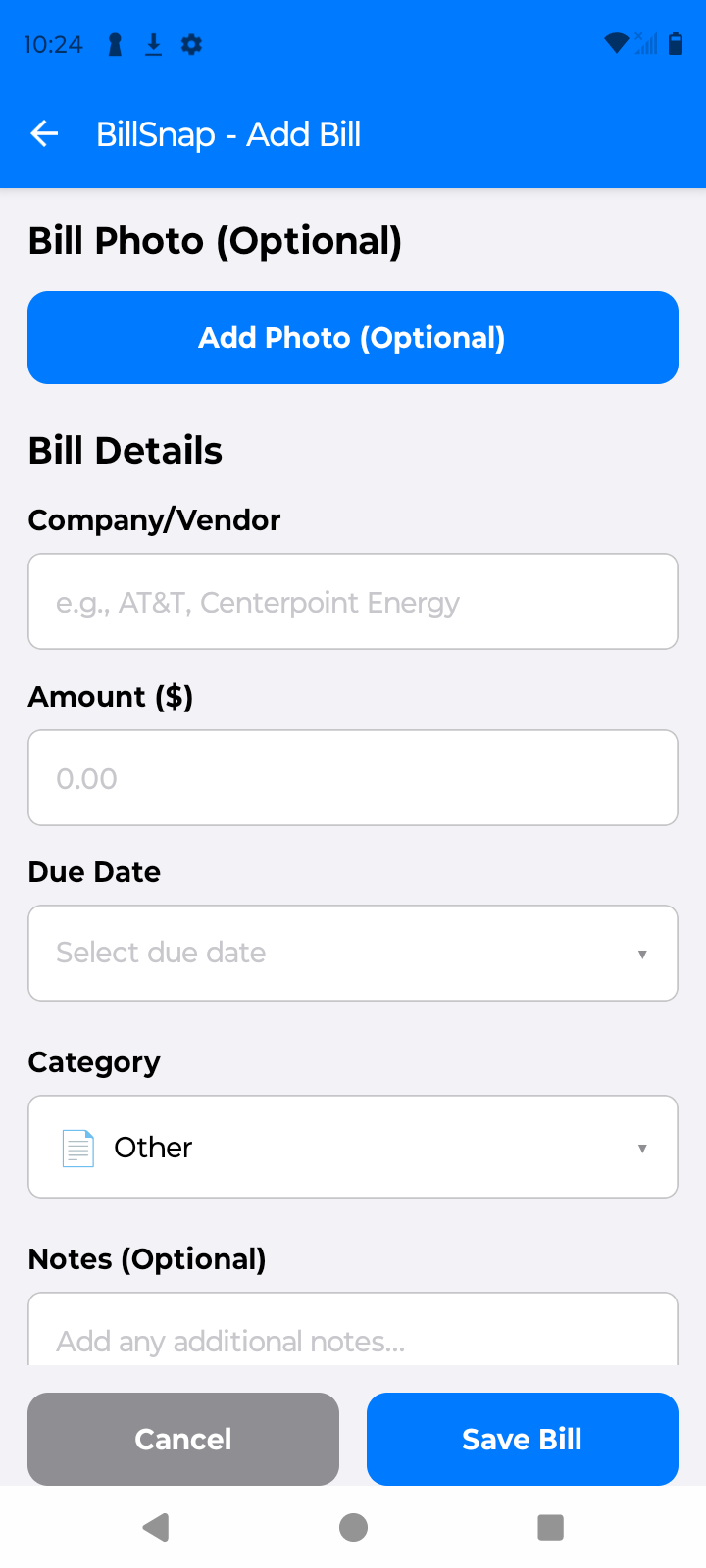
BillSnap is designed around the moment a bill arrives. Take a photo and its on-device scanner looks for the biller, amount, due date, and other useful details. That makes it especially practical when your bills arrive as paper, PDFs, or screenshots and your main goal is to know what is due, when it is due, and what remains after your income covers it.
It also avoids the setup of a wider finance platform. No BillSnap account or bank connection is required for ordinary use, and the core data stays on the device by default. The trade-off is deliberate: BillSnap does not try to categorize every card purchase, build savings goals, or coordinate a multi-user family budget.
Where TimelyBills is the better fit
TimelyBills is the stronger match when bill reminders are only one part of what you need. Its official product materials include expense tracking, category budgets, goals, account and net-worth tracking, debt tools, cash-flow projections, and multiple plan levels. It is also available on Android.
For couples, families, or roommates who need to collaborate, TimelyBills has the clearest advantage: its Pro Family plan supports group budgets and shared bills. BillSnap currently has no equivalent multi-user group mode.
What the two apps have in common
- Bill organization and due-date reminders.
- Recurring financial items and calendar or planner views.
- Income or cash-flow visibility rather than a bills-only total.
- Free ways to begin, with additional capabilities on paid plans.
How to decide in 30 seconds
- Pick BillSnap if your priority is scanning bills, tracking income against them, staying offline, and avoiding a bank connection on an iPhone or iPad.
- Pick TimelyBills if you need Android, daily expense tracking, category budgets, savings or debt goals, bank sync, or shared family finances.
- Try both if your needs sit in the middle. Add the same three bills and one income entry, then keep the workflow you are more likely to maintain every week.
Try BillSnap with your real bills
The free tier includes photo scanning, reminders, up to 8 bills, and up to 8 income entries each month. Premium removes those limits and adds advanced automation, reports, export, and encrypted backup.
Sources and verification notes
BillSnap claims were checked against the current app repository and its official App Store listing. TimelyBills claims were checked against its official plans page, Basic features page, family bill-sharing documentation, App Store listing, and Google Play listing on July 12, 2026.
Features and prices can change. TimelyBills publishes multiple plan and store options that do not present one identical price list, so verify its current offer before purchasing. Product and company names belong to their respective owners.