How to Stop Paying Late Fees on Bills
Nobody chooses to pay a late fee. They happen because a bill was invisible at the moment it mattered: buried in a mail pile, lost in an inbox, or due on a date you had no reason to remember. Fixing that takes a routine, not more willpower.
Why bills slip through
- Scatter. Bills arrive on paper, by email, and inside apps—no single place shows them all.
- Variable dates. Credit card due dates drift; utilities bill on cycles that don't match the calendar month.
- The auto-pay illusion. "It's on auto-pay" fails silently when a card expires or a balance runs short—and the late fee arrives anyway.
The routine that ends late fees
1. Keep one honest list. Every bill goes into the same list the day it arrives, no exceptions. If capturing a bill takes more than a few seconds, you'll stop doing it—so make capture trivially easy (a photo is enough; see scanning paper bills).
2. Set reminders days before, not on, the due date. A reminder on the due date is a fire alarm; a reminder three days early is a plan. Payments need time to clear—especially bank transfers and anything due after a weekend.
3. Mark bills paid the moment you pay them. The mark-paid habit is what makes the list trustworthy. An untrusted list gets abandoned, and you're back to the mail pile.
4. Verify auto-pay, don't assume it. For every auto-pay bill, check that the payment actually cleared each cycle. Two minutes a month protects you from the most expensive kind of surprise.
5. Watch the crunch weeks. Late fees cluster when several due dates land right before payday. Knowing your income dates alongside your due dates lets you move a payment or a due date before it hurts—see how much money is left after bills.
One more thing: ask for the fee back
If you do get hit, call the biller. Most utilities and card issuers will waive a first late fee for a customer who asks—it costs them almost nothing and keeps you from leaving.
How BillSnap runs this routine for you
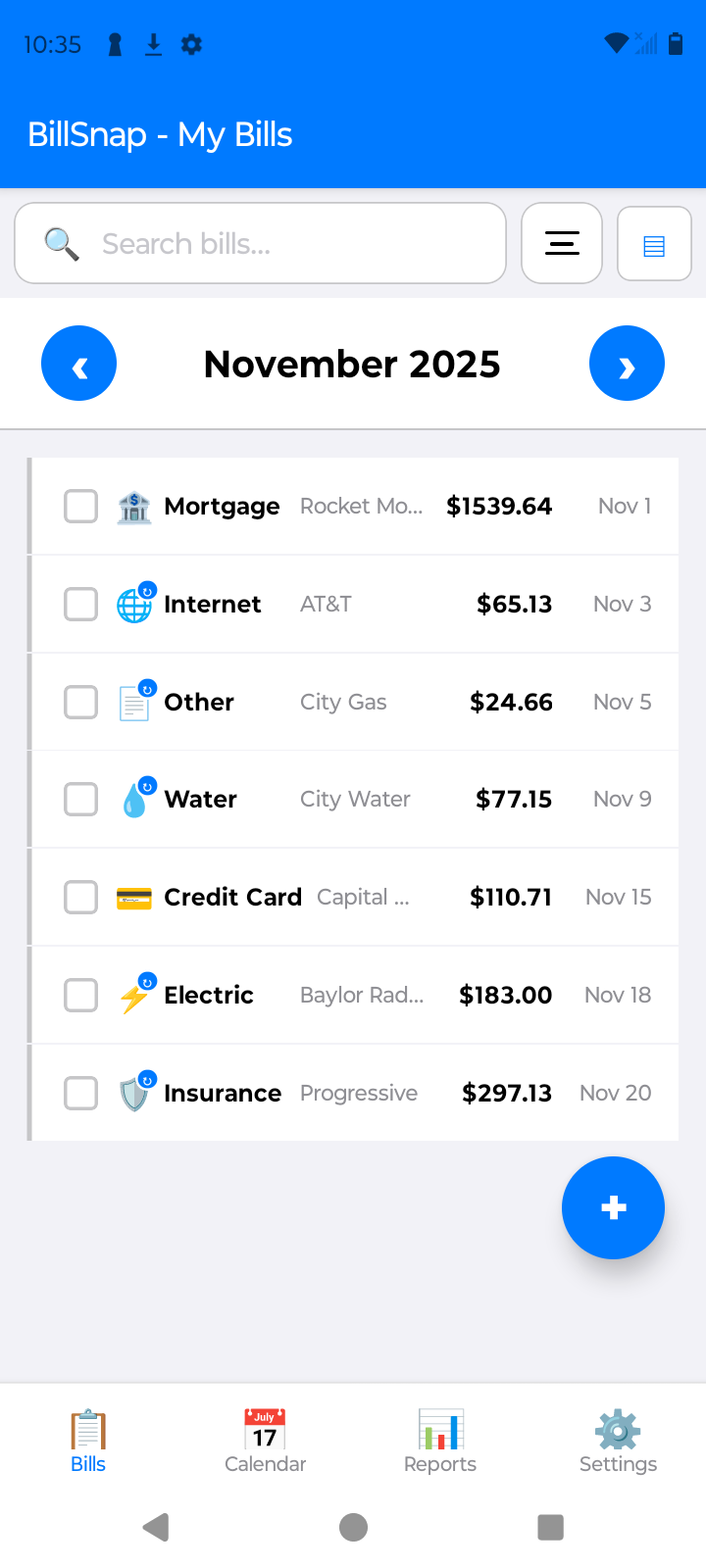
BillSnap gives every bill one home: snap a photo and the details fill themselves in. Reminders arrive before each due date (you pick how many days ahead), bills are marked paid with one tap, and auto-pay bills get a "did it clear?" check-in. Your income lives in the same app, so crunch weeks are visible before they happen. Free for up to 8 bills and 8 income entries per month.